DIY Image Hosting on Cloudflare Workers with KV
Requirements
Posting on NodeSeek requires you to bring your own image hosting.
We have already implemented a simple KV database. So, by the same principle, isn't image hosting just the same thing? You send the system a path, and the system returns the image data to you.
Approach
I designed to store the image's base64 data in KV.
Because this way you can manage it directly in the KV backend; when the human eye reads the backend data, there won't be any weird characters; and it's more convenient to copy-paste and transfer between different systems.
The downside is that the data size will increase, by 33%.
Practice
First, convert the image to base64 using other websites, such as https://oktools.net/image2base64
A gif image like this

gets the following large chunk of base64 data.

On the basis of pastebin, we use these base64 data as the value, and set 233.gif as the key.

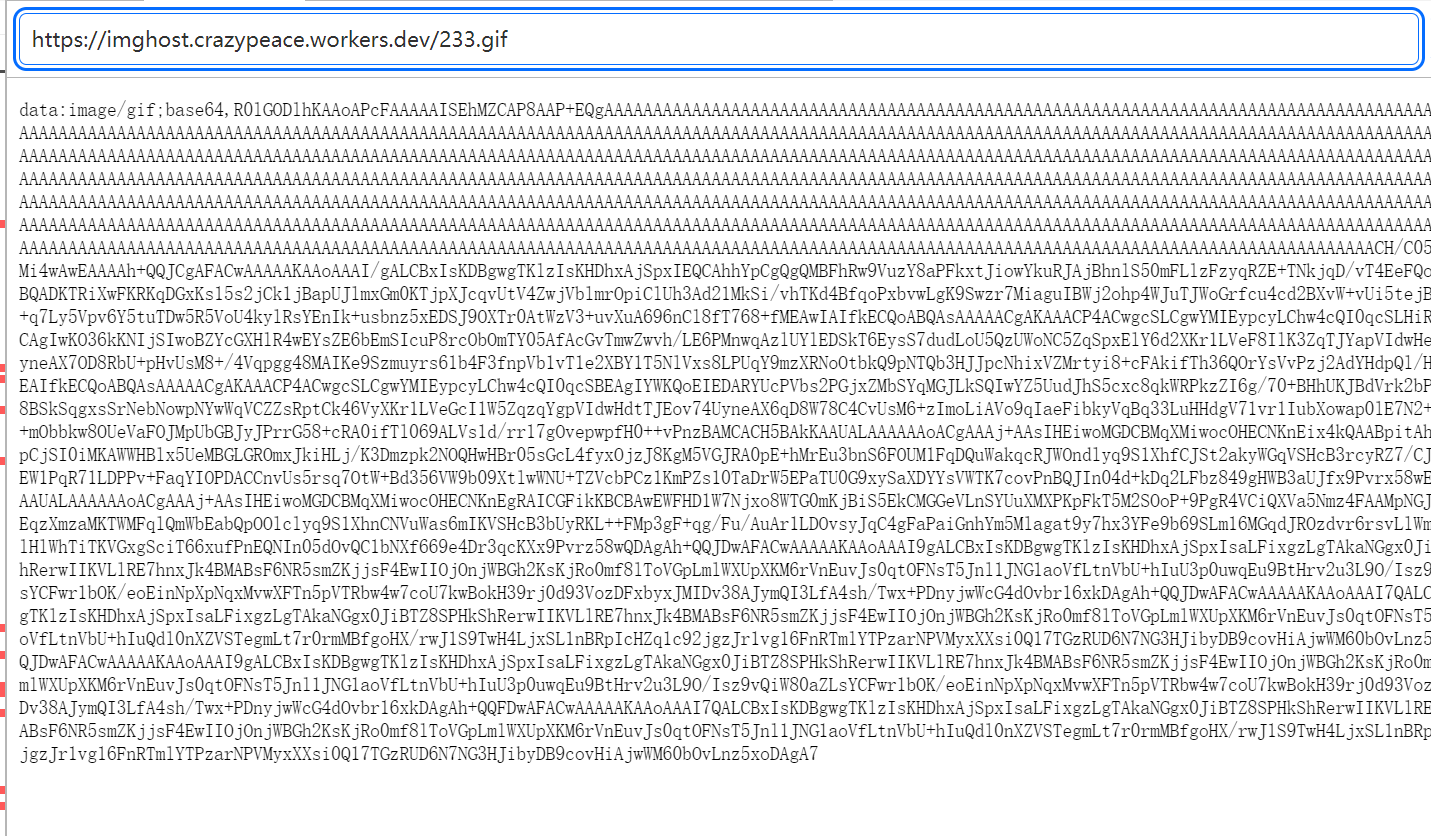

Add the function from this code to worker.js
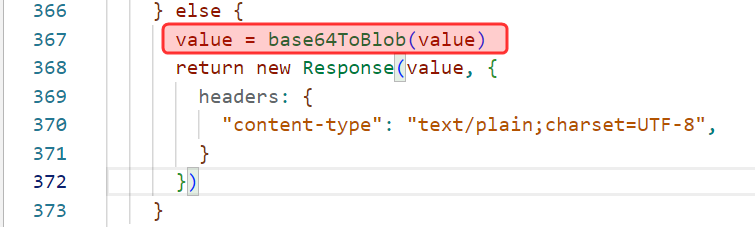
Then before returning the http request, just add this one extra processing step.
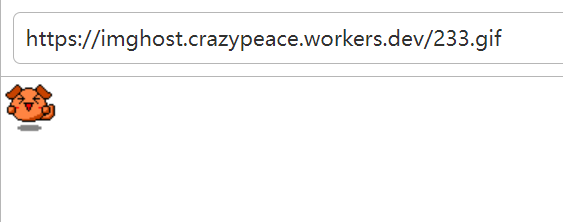
End
Clean up the code a bit, then upload.
Use a configuration item to set the system type.

Github: https://github.com/crazypeace/url-Shorten-Worker/
Demo site: https://imghost.crazypeace.workers.dev/imghostimghost

 Posts


